

When a creator sends a brandmay.studio review link, you do not always need to create an account before giving feedback. Guest review is deliberately available for a quick, low-friction approval cycle. Claiming a brand workspace is the better option when the work will continue.
Quick comparison
| Capability | Continue as guest | Claim a brand workspace |
|---|---|---|
| Open the shared review link | Yes, subject to link/passcode rules | Yes |
| Watch the current published draft | Yes | Yes |
| Read version-grouped feedback | Yes | Yes |
| Add comments | When allowed by the review link | When allowed by workspace role and campaign access |
| Approve or request changes | When allowed | Admin members on the connected campaign |
| Return without finding the original link | No | Yes |
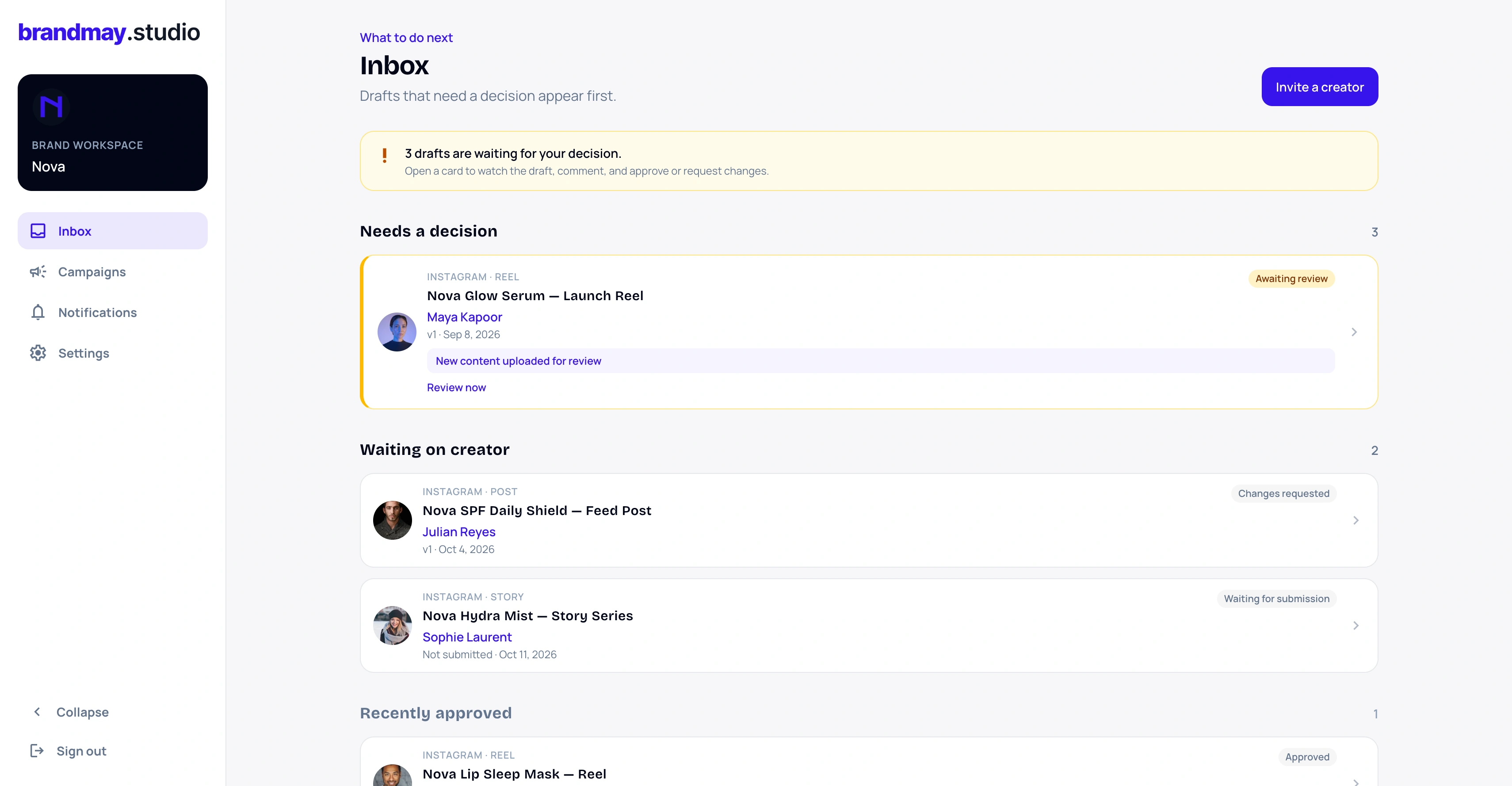
| Brand workspace Inbox | No | Yes |
| Brand notifications | No durable account notification flow | Yes |
| Invite brand teammates | No | Admin members can invite teammates |
| Access every campaign with the same brand name | No | No; each campaign requires an authorized connection |
Choose guest review when
Guest review works well when:
- you are reviewing one submission once;
- you do not expect to manage later deliverables;
- another teammate owns the lasting campaign relationship;
- you need to leave a quick comment before deciding whether to create an account.
Enter a recognizable reviewer name when asked. That helps the creator understand who wrote each comment.
Keep the review link and optional passcode private. Anyone who receives valid guest access may be able to view or act within the permissions configured for that link.
Claim a workspace when
Claiming is useful when:
- the campaign contains multiple deliverables;
- the creator will submit revised versions;
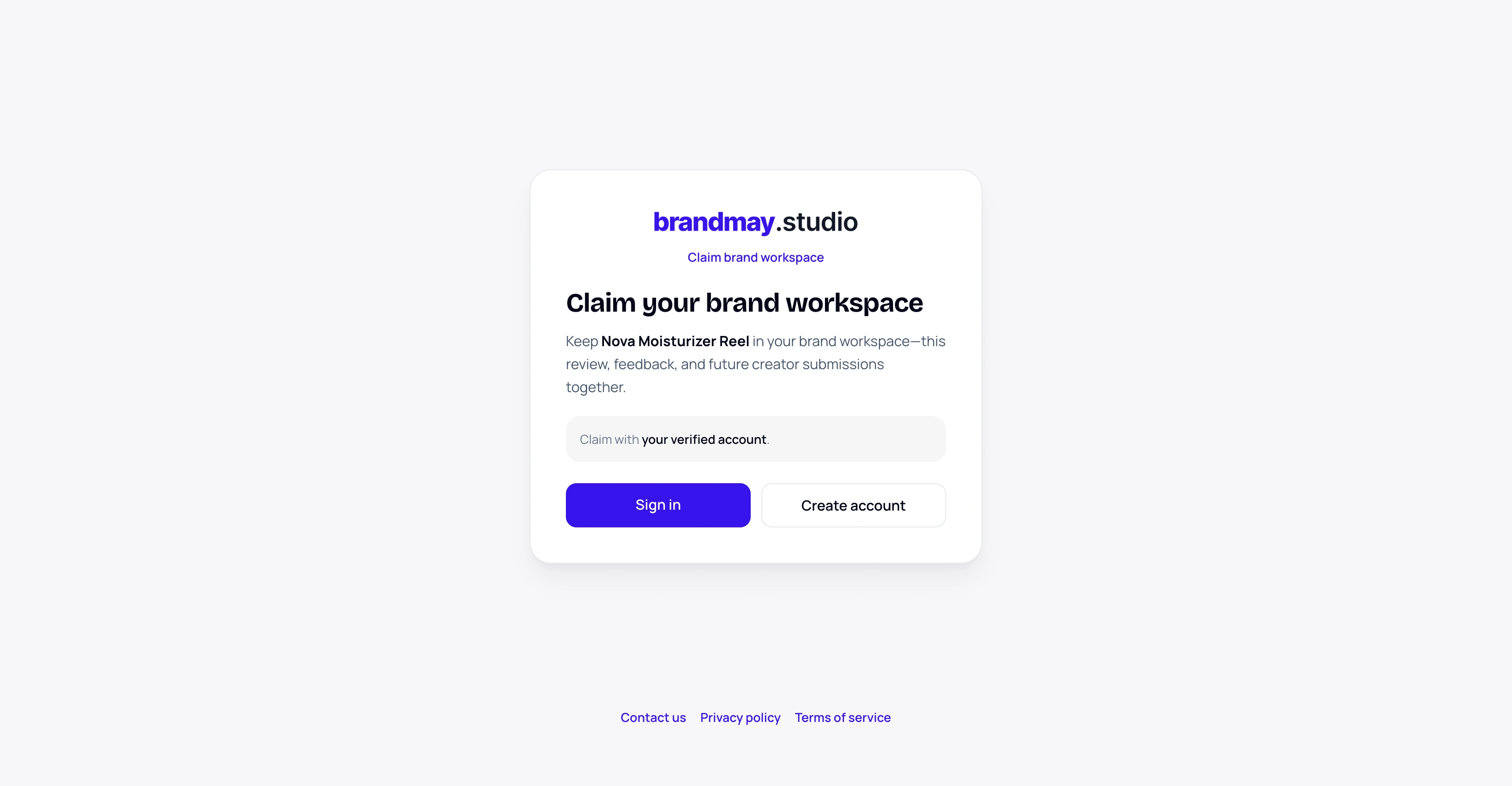
- you want a durable Inbox and brand notifications;
- you need to return after closing the original message;
- more than one brand teammate needs access;
- you want campaign context beside the review history.
The connection is campaign-scoped. Claiming one creator’s campaign does not silently grant access to unrelated creator workspaces or other campaigns that share a brand name.
What happens if you start as a guest and claim later?
You can begin the review as a guest and claim from the same eligible review flow later. After choosing to claim, sign in with your verified account or create an account with the invited email. When the guest session is eligible for claim, its comments stay connected to the review history rather than being recreated under a different campaign.
Use the same browser session when moving directly from guest review to claim. This gives brandmay.studio the correct guest review context to attach.
What a workspace does not change
A workspace does not rewrite the creator’s uploaded files, make the brand the creator’s manager, or turn brandmay.studio into a party to the collaboration. It provides an authenticated operating surface for the campaign connection and its permitted review actions.
Recommendation
For one quick submission, continue as guest. For a campaign with revisions, multiple deliverables, notifications, or teammates, claim the brand workspace.
Related guides:
Your next action
Return to the campaign that needs your review.
Use the invitation or review link you received. Existing brand members can sign in to their workspace.